For parents
MoBot Learn is the set of courses that come with the MoBot kits: lesson after lesson, a child builds, wires and programs a real robot. No account required, in four languages.
What it is
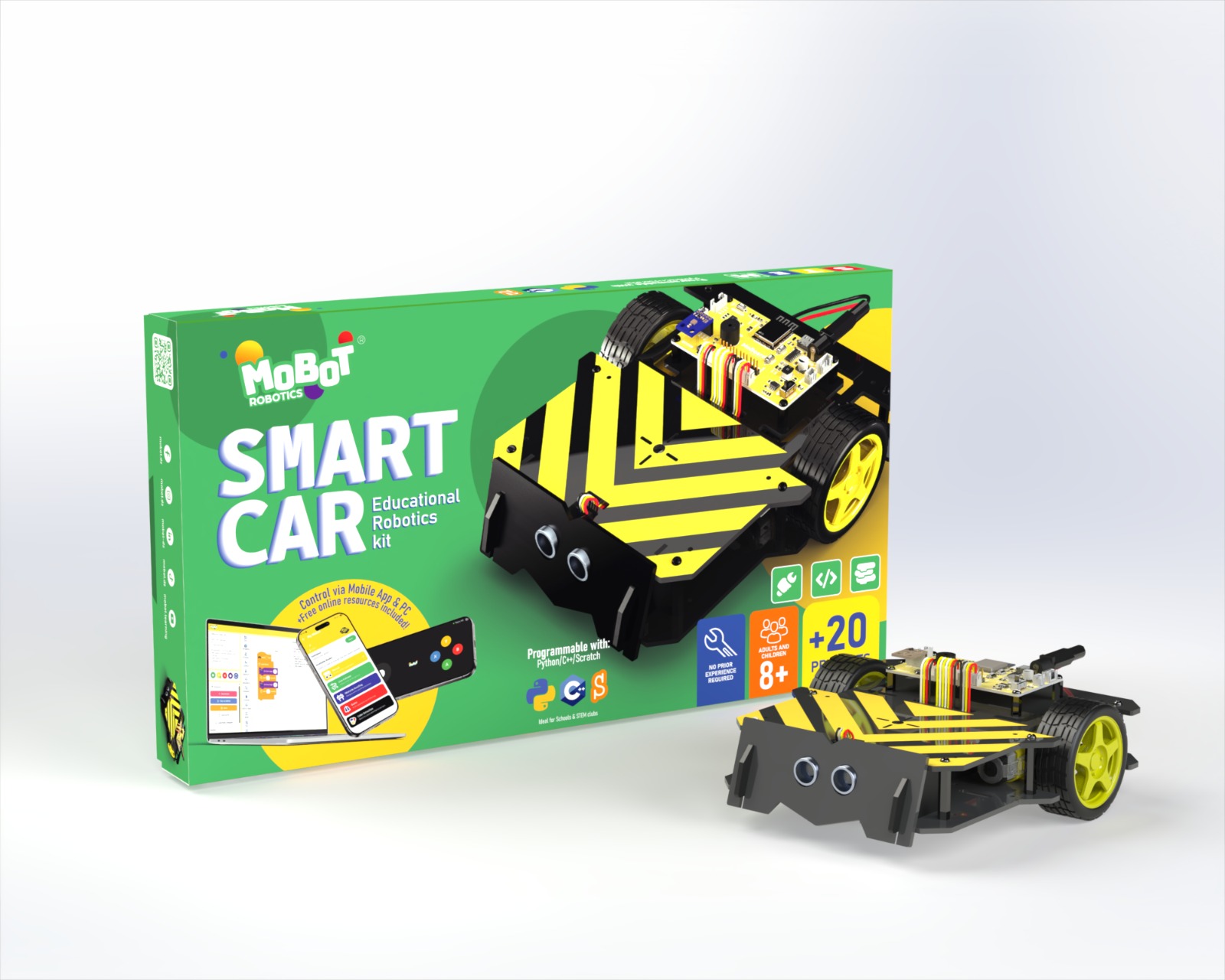
Every MoBot box — Smart Car, Smart Car Mini or Smart Home — comes with its own online courses. A lesson states its duration, lists the parts to take out of the box, shows the steps in pictures or video, and ends with a small challenge.
The pages speak to the child, in simple words. From about age 7 a child reads alone; below that, plan to read along.
Everything runs on a modest tablet or computer, even on a slow connection — in French, Arabic, English and Spanish.
Free, or unlocked?
Trying it takes no account and no payment. Activation costs nothing either: it comes with the box.
Without unlocking anything
- The first course of every kit, in full
- Free sample lessons inside the later courses
- The robot’s quickstart guide, always open
- Progress, saved on the device even without an account
After activating the kit
- Every course that ships with the box, with no subscription and no time limit
- The full syllabus, videos and challenges of each course
- One activation covers several children in the same household
How unlocking works
Two proofs of purchase, your choice — both are in the box:
- The card
A printed card comes with the kit, with a code underneath. On the unlock page, type it in yourself: entering the code is a grown-up’s job, not the child’s.
- The robot itself
Plug the MoBot in with its cable: the page recognises it and opens the kit’s courses. Your kit is its own proof of purchase — no code to type.
Your child, your settings
No account is needed to learn. If you want one — to keep progress from one device to the next — you create it and you manage it: the child never types an email address or a password.
The child finds their courses and badges on their own “My learning” page. You go through the grown-ups’ area: the “My children” page gathers each child’s progress and the settings that go with it.
What we keep
- No advertising, anywhere
- No third-party trackers, no selling of data
- The minimum: a first name or nickname, an avatar, an age band, progress
- Without an account, everything stays in the device’s browser
A quiet place
- No chat, no comments, no public profile — nobody can contact your child here
- Nothing the child does is shown to anyone else
- A lesson already visited reopens even without a connection: the work does not stop with the network
Where to find the kits
The boxes are sold on the MoBot store, mobot.dz. The courses live here, and every box sold includes them.